Image Credit: Unsplash
Struggling to concentrate at your desk can make even simple tasks feel exhausting, especially when screen glare, background noise, clutter, and physical discomfort constantly interrupt your workflow. Over time, these distractions can drain your energy and make productive work harder than it needs to be. Creating a more comfortable, distraction-free workspace starts with a few thoughtful changes to your desk layout, lighting, window coverings, and ergonomics.
Position Your Desk for Visual Comfort
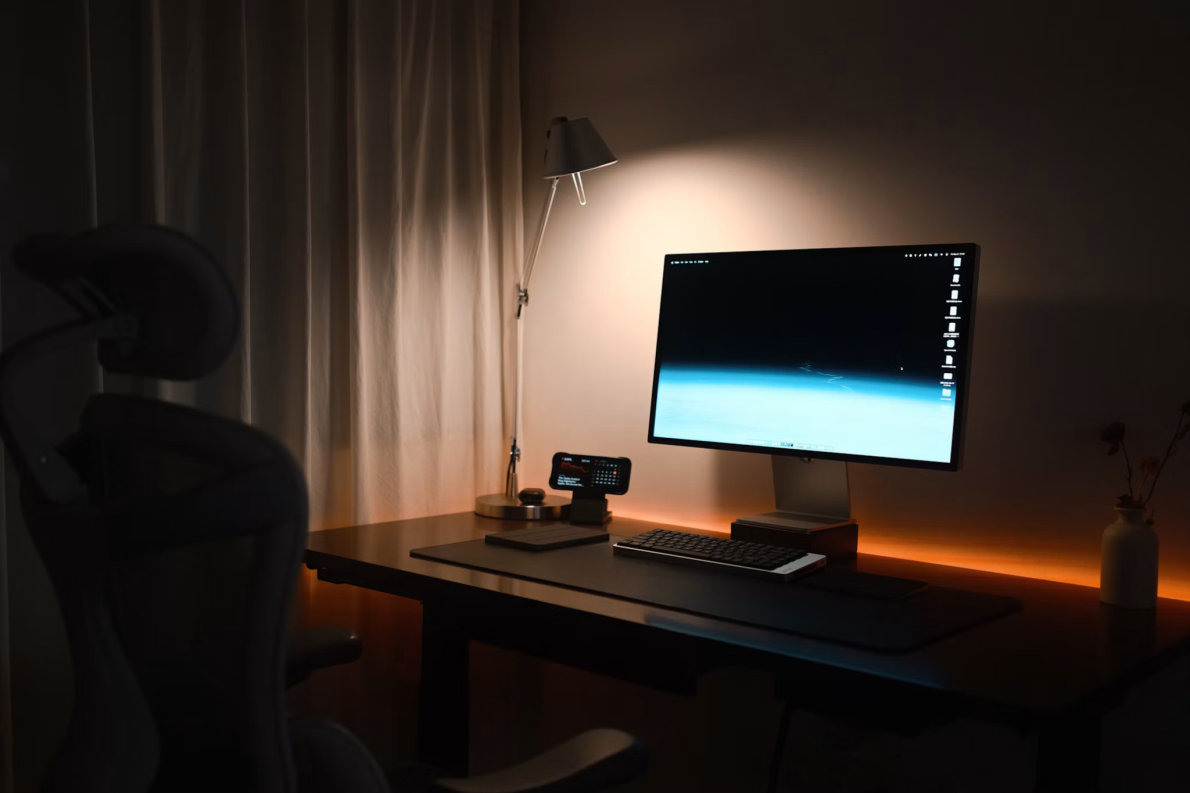
Place your desk where you can see the room entrance without sitting directly in a busy walkway. This arrangement limits movement in your peripheral vision and can make the space feel more settled. If possible, position your monitor at a 90-degree angle to the nearest window. Facing a bright window can cause eye strain, while sitting with your back to it may create screen reflections.
Good natural light and furniture placement can also reduce your dependence on overhead lighting. Leave enough space to step away from the desk easily, then keep frequently used items within arm’s reach. A printer or filing cabinet used only occasionally can sit farther away, freeing the immediate work zone from visual clutter.
Control Natural Light With Smart Blinds
Daylight helps a workspace feel open, but changing sun angles can make working conditions unpredictable. Fit adjustable window coverings so you can soften glare without darkening the entire room. For example, lower them to screen height during the brightest part of the afternoon while leaving the upper window area open.
In Alice Springs homes and commercial spaces, custom Blinds can be measured for specific windows and professionally installed to help manage glare, heat and privacy. Choose a style that’s quick to adjust from your desk. A light-filtering material may suit a room with indirect sun, while a more opaque option can help when intense sunlight reaches the monitor. Review the light at several times of day before deciding how much coverage you need.
Minimize Digital and Acoustic Clutter
Start with the interruptions you can control. Disable nonessential desktop notifications, close unused browser tabs, and move personal apps off your main work screen. If you need to check messages regularly, choose two or three set times instead of responding whenever an alert appears.
Sound deserves similar attention. A door, soft rug, or fabric curtain can reduce noise that travels through hard surfaces. In a shared home, headphones may help during short periods of concentrated work, though you should keep the volume comfortable. Give your desk a simple shutdown routine too: file loose papers, return chargers to one place, and write down tomorrow’s first task. That small reset prevents unfinished work from becoming visual noise the next morning.
Focus on Physical Ergonomics
Adjust your chair before changing the rest of the setup. Your feet should rest flat on the floor or on a footrest, with your knees close to hip level. Keep your shoulders relaxed and place the keyboard where your elbows form an angle of about 90 degrees. The top of the monitor should sit near eye level, roughly an arm’s length away.
A practical ergonomic office setup also accounts for movement. Stand up or change position every 30 to 60 minutes, especially during long calls. If you use a laptop for full workdays, add a separate keyboard and mouse so the screen can be raised. Pay attention to recurring wrist, neck, or lower-back discomfort, since persistent pain deserves advice from a qualified health professional.
A workspace protects focus when its features are easy to adjust as the day changes. Check the room once in the morning and again during the brightest, busiest part of the afternoon. Those two observations will show you where glare, noise, or physical strain is still interrupting your work.