Image Credit: Unsplash
A home that supports concentration manages what your eyes, ears and body have to process. The principles of sensory design consider touch, light, sound and spatial cues together, helping rooms feel comfortable and easy to understand.
This matters when the same home must accommodate work, rest, study and family life. Small adjustments to surfaces, lighting and furniture placement can reduce distractions without turning a lived-in room into a sparse office.
Understanding Sensory Overload at Home
Sensory overload occurs when the brain receives more input than it can comfortably process. As this sensory overload guide explains, triggers can include bright light, persistent noise and uncomfortable textures. At home, several minor irritants may combine: a flickering screen, television noise from another room and clutter across your desk.
Start with a quick sensory audit during the hours when focus is hardest. Switch off unused alerts, close the door or add a soft background sound to cover unpredictable noise. Clear your immediate sightline while leaving everyday items elsewhere. A defined visual resting point, such as a plain wall or a single plant, also gives your eyes somewhere calm to land between tasks.
Tactile Materials and Mental Ease
Touch affects comfort even when you’re concentrating on a screen. Cold floors, a slippery chair or a scratchy fabric can create low-level irritation that repeatedly pulls your attention away. Introduce materials that feel stable and pleasant, such as a wool rug beneath a desk, a fabric chair or curtains with a soft weave.
Flooring has a particularly broad sensory effect because it changes warmth, sound and underfoot texture. If you’re researching carpets, blinds, and flooring, request samples and test them in the room at different times of day. Consider how each option feels in bare feet, how much sound it absorbs and how its pattern looks beside existing furniture. Subtle textures and restrained colors usually create fewer visual demands.
Taming Harsh Overhead Light
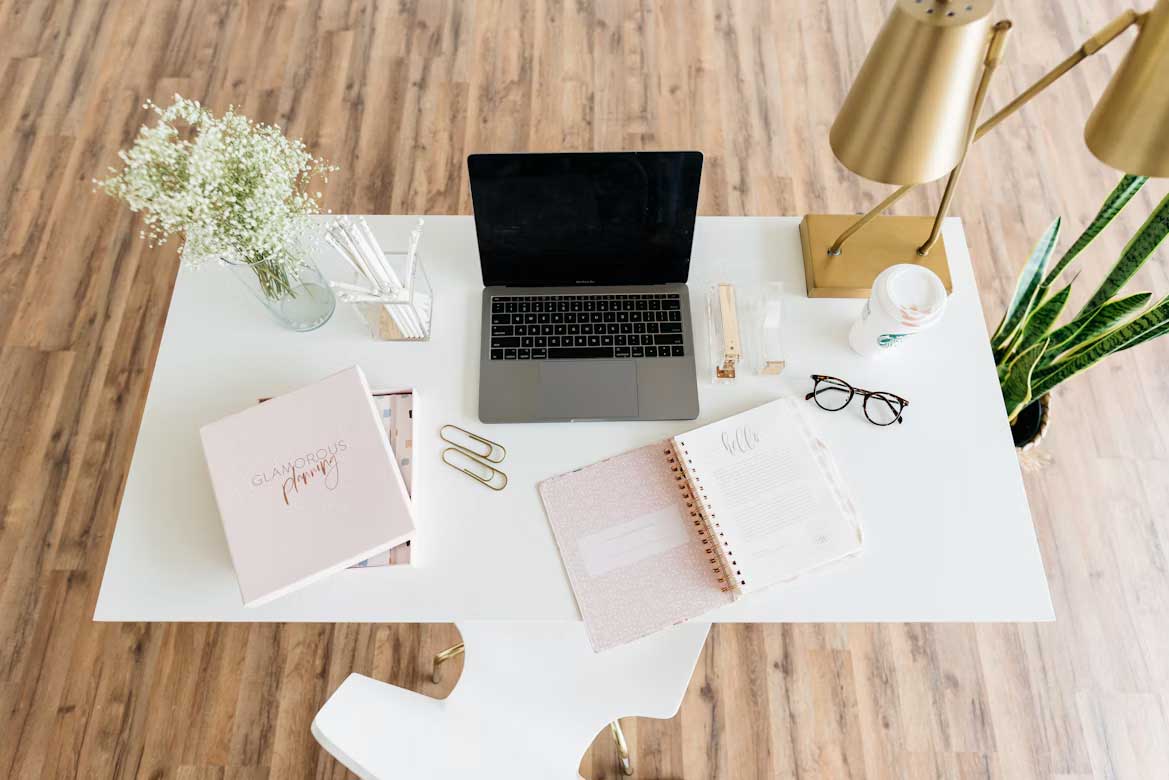
A single bright ceiling fixture can produce screen glare, strong shadows and an overly exposed feeling. Use layers of light so you can adjust the room as daylight changes. A practical setup may include general ambient light, a shaded desk lamp and a smaller accent lamp behind or beside the work area.
Choose bulbs with matching color temperatures to avoid a patchwork effect. Around 2700K creates a warm evening atmosphere, while 3000K to 4000K often suits daytime tasks. Position the desk at a right angle to a window where possible, which reduces glare without blocking natural light. For more help balancing fixtures and room functions, this room-by-room lighting guide offers practical ideas. Dimmers also make quick adjustments easier as weather and working hours shift.
Building Micro-Zones in Shared Spaces
Micro-zones give each activity a recognizable home, even when one room serves several purposes. A rug can mark a reading area, a narrow console can become a laptop station, and an armchair angled away from the television can create a quiet corner. These boundaries help your brain associate a particular spot with a particular task.
Keep the signals simple. Place work supplies in one closed basket, use a dedicated lamp during focused sessions and return the area to its usual state afterward. In a shared living room, a bookcase or tall plant can soften visual movement without closing anyone off. Allow enough walking space around each zone so the arrangement doesn’t feel cramped.
The best sensory changes are often the ones you stop noticing. When the floor feels comfortable, the light stays out of your eyes, and each activity has a clear place, concentration requires less effort. Pay attention to the distraction that interrupts you most often, then adjust the specific surface, fixture or boundary connected to it.