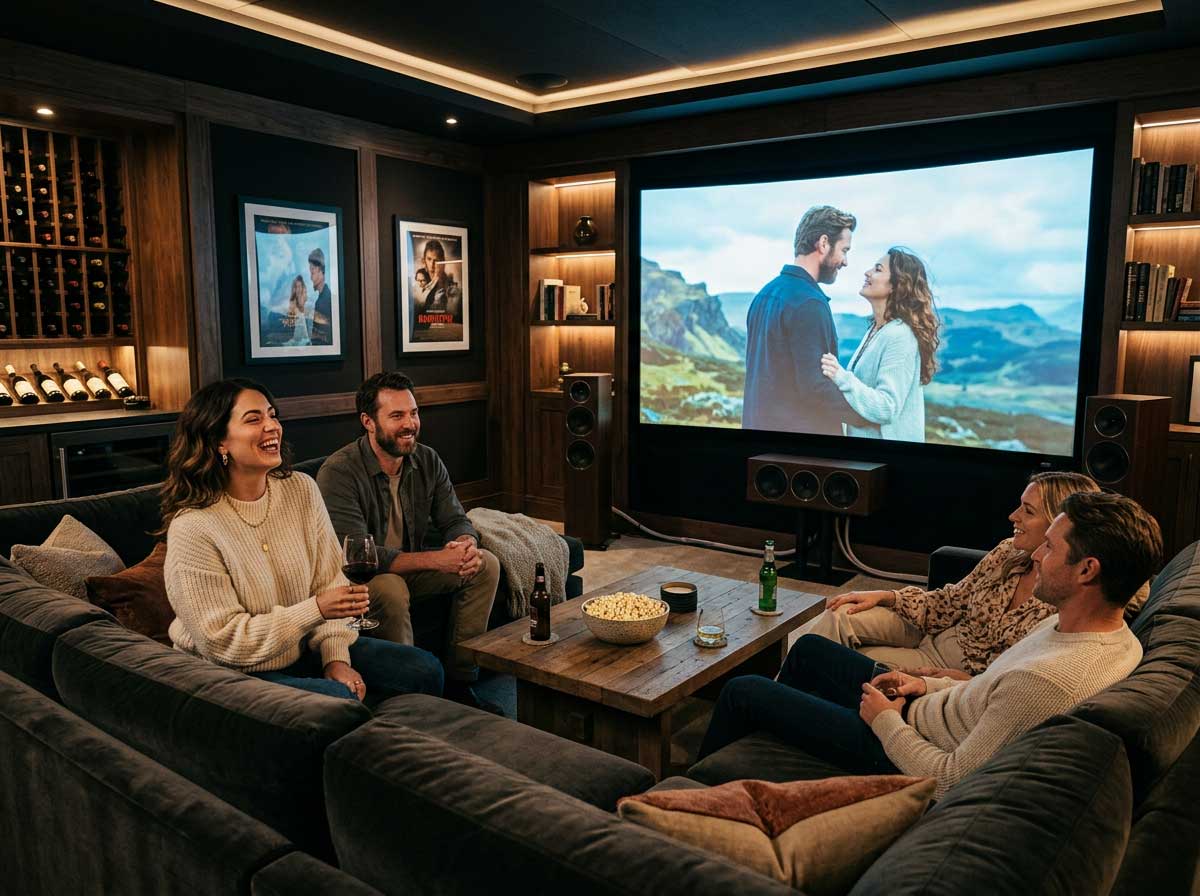
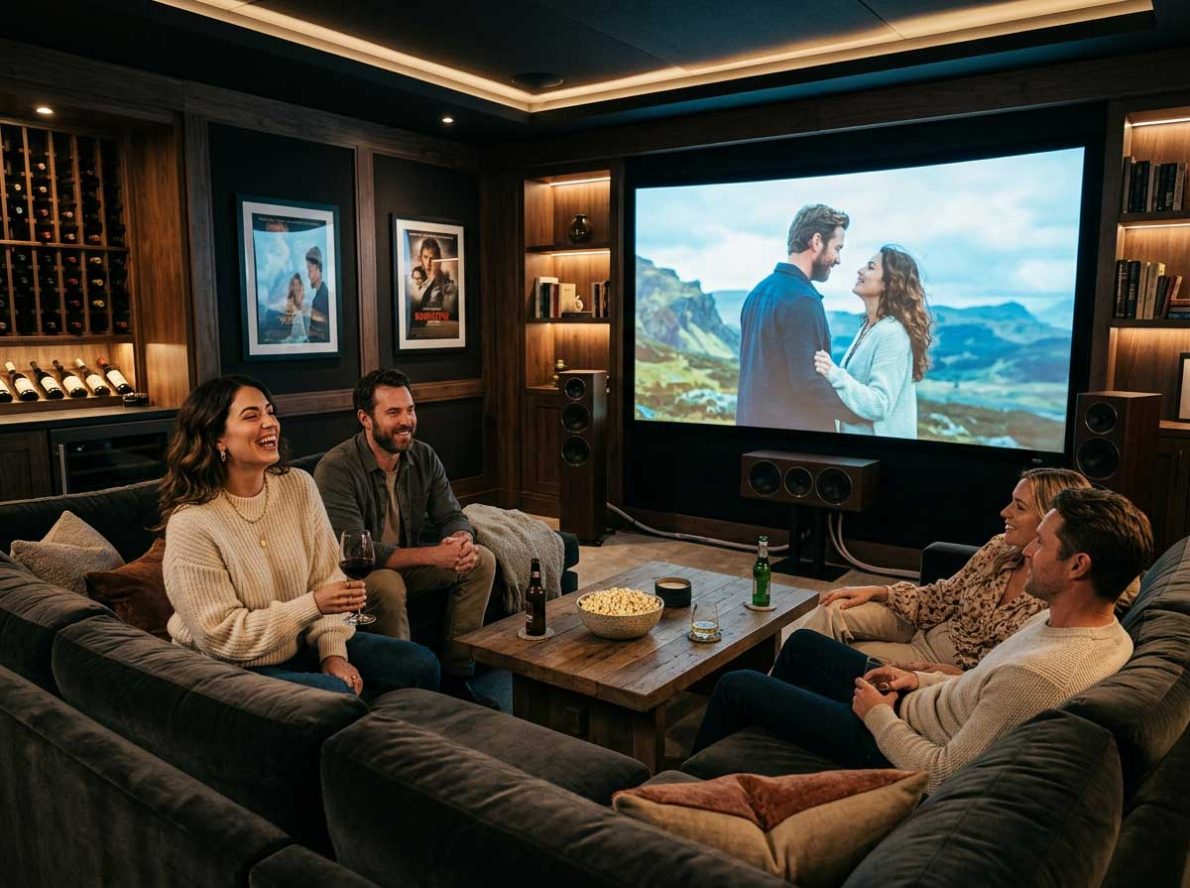
A better movie night often starts with a few small adjustments to the equipment and furniture you already own. Picture presets, signal quality, speaker placement and viewing angles all affect how immersive a film feels. Check each element separately, then test everything with a familiar movie scene before guests arrive.
Fine-Tuning Display Picture Modes
Start by switching your television out of its vivid or dynamic mode. Those settings can look striking in a brightly lit showroom, but at home they often produce exaggerated colors and harsh contrast. Cinema, movie or filmmaker mode usually gives you a more natural starting point.
Consumer Reports offers useful guidance on TV picture settings, including brightness, color temperature and motion smoothing. Turn off motion smoothing if films have an overly glossy, soap-opera appearance. Keep sharpness low enough to avoid bright outlines around faces and objects. For evening viewing, reduce the backlight until white areas look comfortable instead of glaring. Save the finished setup as a custom preset if your TV allows it. You can also improve your viewing experience by reducing distracting screen glare, especially when your television sits near a window, with simple adjustments to your home’s digital setup.
Securing Crystal Clear TV Reception
A carefully adjusted screen can’t compensate for a weak or unstable broadcast signal. If live channels freeze, break into blocks or disappear during poor weather, check that the antenna cable is firmly connected and free from visible bends or damage. Retune the television once, but avoid repeated retuning during an outage because this can remove channels that temporarily lack a signal.
Persistent trouble may point to an antenna alignment issue, aging cabling or a faulty wall outlet. Homeowners in Port Macquarie and the surrounding Mid North Coast can arrange professional help with TV reception when basic checks don’t solve the problem. A technician can test signal strength at the outlet and identify where quality drops, which removes much of the guesswork from repairs.
Acoustic Tricks for Small Living Rooms
Clear dialogue matters more than room-shaking volume in a compact living room. Place a soundbar close to ear height and keep its front edge clear of cabinet doors, decorations and deep shelving. If you use separate speakers, angle them slightly toward the main seats instead of aiming them straight ahead.
Soft furnishings can tame distracting echoes. Curtains, rugs and fabric seating absorb some of the sound that would otherwise bounce from hard floors and bare walls. Try the dialogue or clear-voice setting for quiet conversations, then lower heavy bass if it makes speech sound muddy. Test the result with a scene that moves between whispers, music and louder effects.
Curating Your Living Room Seating
Position the main seat directly in front of the screen whenever the room permits. Watching from a sharp angle can wash out color and make dark scenes harder to follow, especially on some LED televisions. As a practical starting point, sit roughly 1.5 to 2.5 times the screen’s diagonal measurement away, then adjust for comfort and resolution.
Avoid placing every chair against the back wall, where bass can sound boomy and uneven. Pulling a sofa forward by even 8 to 12 inches may improve the audio and create space for cables or a narrow console. For extra guests, use lightweight chairs that can be angled toward the screen. Keep coffee tables below the line of sight and leave a clear path to the door, snacks and light switches.
Once the room is set, play a familiar five-minute scene and sit in each viewing position. A quick check will reveal glare, blocked sound or an awkward chair angle before the opening credits begin.