A focused home workspace depends as much on the room around you as it does on your laptop and task list. Light levels, heat, visual clutter and physical comfort can all affect how long you work before fatigue creeps in.
A few thoughtful changes will help you create a space that supports steady concentration without making your home feel like a corporate office.
Assess Your Natural Light Angles
Start by watching how daylight moves through the room across a normal working day. Morning light from an east-facing window may feel gentle at 8 am, then leave the desk dim by lunchtime. A west-facing window can create harsh afternoon glare just as your energy begins to dip.
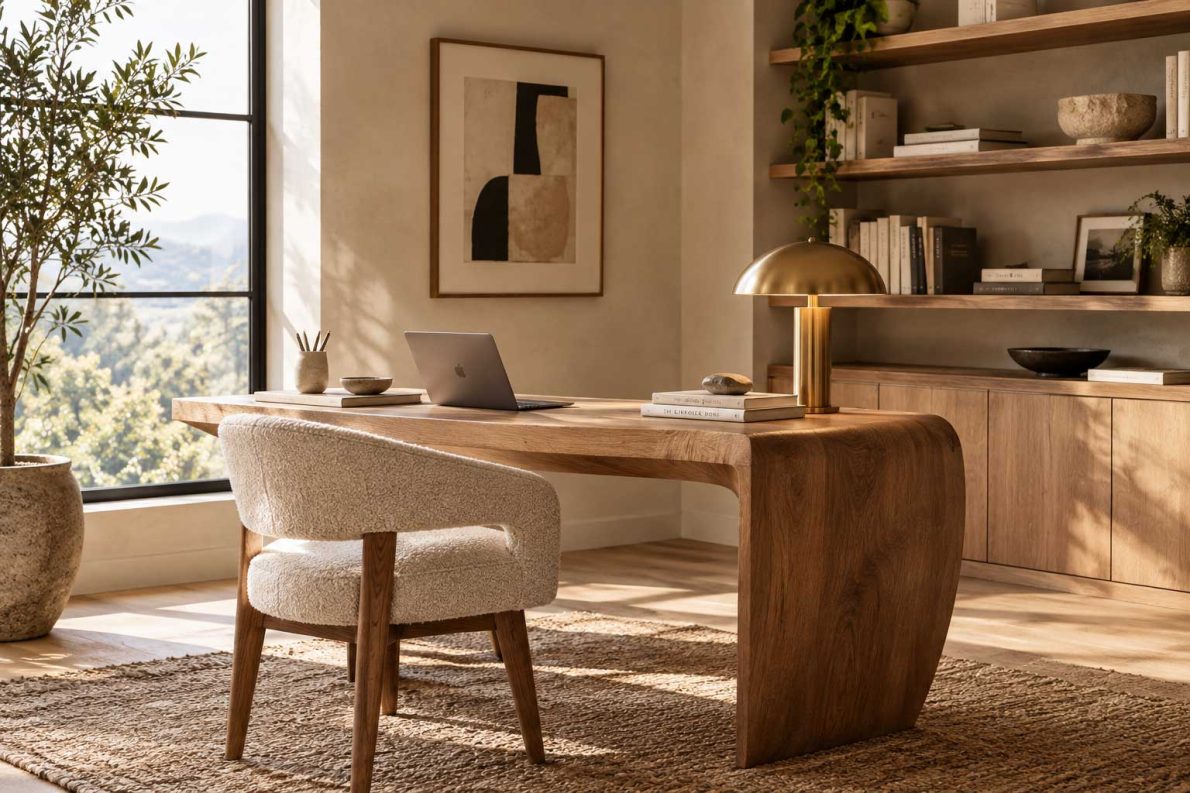
Position your desk side-on to the main window where possible. This arrangement gives you useful daylight without placing the bright window directly behind your monitor or in your line of sight. If the room feels gloomy, these natural light ideas offer practical ways to brighten it without a major renovation.
Tackle Screen Glare and Thermal Shifts
Check your screen for reflections at several points during the day. A setup that looks comfortable in the morning may become difficult once direct sunlight reaches the glass. Adjusting the monitor angle can help, while a light-filtering blind gives you quick control during short periods of intense sun.
For persistent brightness and heat, homeowners may consider professional window tinting for glare reduction, UV protection and temperature management. This can be especially useful in a home office with large windows that receive hours of direct sunlight.
Keep the monitor roughly an arm’s length away and match its brightness to the room. Advice on screen-friendly home design also supports reducing strong contrast between a bright display and a dark background. A small desk lamp with a diffused shade can soften that contrast after sunset.
Curate a Calming Minimalist Aesthetic
Clear the items that compete for your attention, but keep the tools you use every day within easy reach. A notebook, pen cup and water bottle may deserve desk space, while spare cables and old paperwork can go into a drawer or labelled box.
Choose a restrained colour palette that suits the rest of your home. Warm white, soft grey, muted green and natural timber tend to create a calm backdrop without making the space feel bare. One plant or framed print can add personality while preserving visual order.
Pay attention to what appears behind your monitor too. Open shelving packed with unrelated items can become distracting during detailed work. Use baskets or closed storage to reduce visual noise, then spend two minutes resetting the desk at the end of each workday.
Ergonomics Beyond Just the Desk Chair
Set your monitor so the top edge sits around eye level and your gaze falls slightly downwards towards the centre of the screen. If you work from a laptop, a simple stand paired with an external keyboard and mouse will prevent you from hunching over the display.
Your forearms should rest roughly parallel to the floor, with your shoulders relaxed and your feet supported. A footrest can help if raising the chair leaves your feet dangling. Frequently used items should sit close enough that you don’t twist or reach across the desk dozens of times each day.
Movement matters as well. Change position every 30 to 60 minutes, take calls while standing when practical and look at something in the distance during screen breaks. Even an excellent workstation becomes uncomfortable when you stay in one posture for an entire afternoon.
Test the finished workspace during your most demanding task, such as writing a report or joining a long video meeting. If you can work for an hour without squinting, shifting away from heat or searching for basic supplies, the room is doing its job.